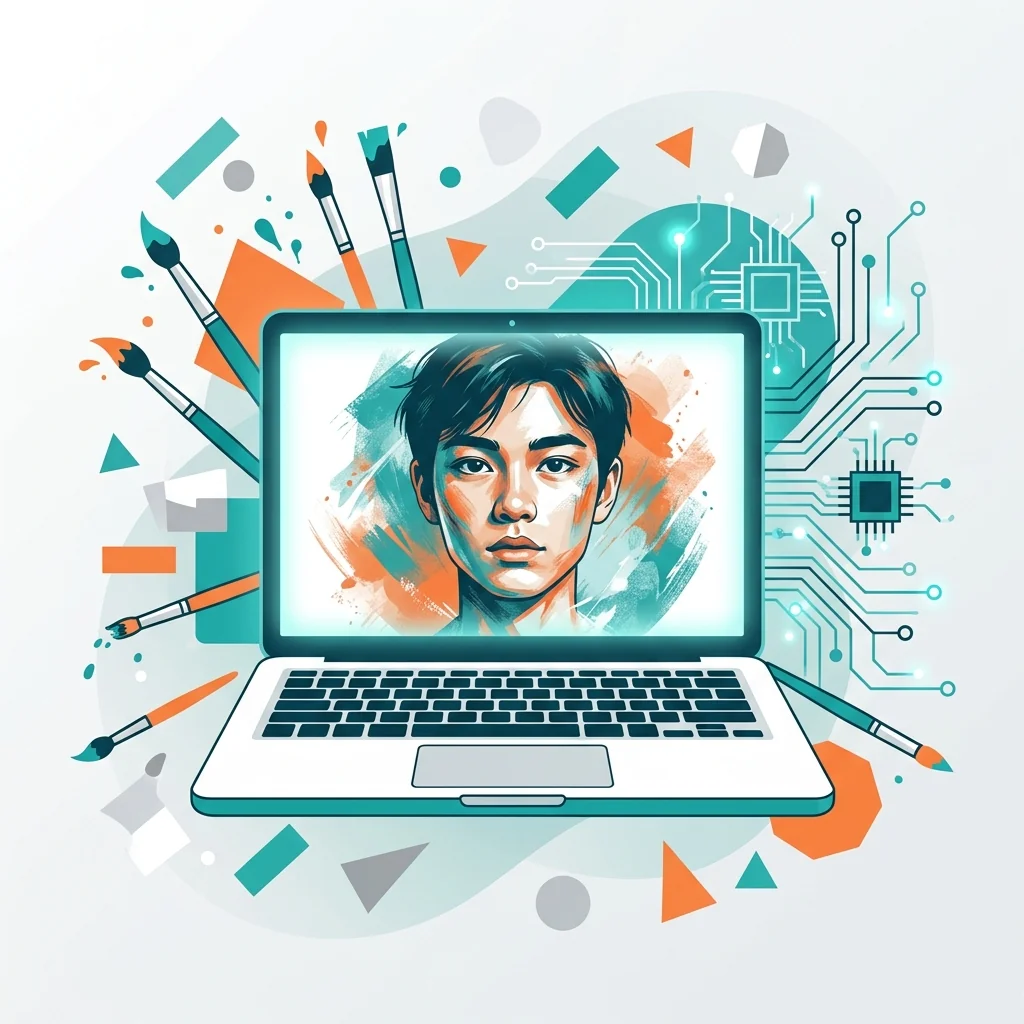
Understanding the Basics of AI Image Generation
Artificial Intelligence (AI) has opened new horizons for graphic designers aiming to create compelling visual content. Understanding the basics of AI image generation is essential to achieve realistic results. One tip for creating realistic AI-generated images is to start with clear and detailed prompts. The AI model relies heavily on the input provided, so descriptive language that includes specifics like color schemes, lighting conditions, and object placement can significantly impact the output. Additionally, experimenting with different AI tools allows designers to find the one best suited to their needs. Familiarizing yourself with the strengths and limitations of each platform can help in producing more consistent and high-quality results.
Another crucial aspect is learning how to refine and edit AI-generated images. Often, the initial outputs may require post-processing to align with specific artistic visions or branding standards. Tools like Photoshop or Illustrator can enhance these images, allowing designers to correct imperfections or add a personal touch. Equally important is the ethical use of AI. Designers should ensure that the generated content does not infringe on copyrights or mimic existing works too closely. By honing your understanding of AI capabilities and combining them with traditional design skills, graphic designers can leverage this technology to create innovative and realistic visual content tailored to their audience’s needs.
Choosing the Right AI Tools for Realistic Results
When selecting AI tools to generate realistic images, graphic designers should consider the tool's ability to replicate intricate details and natural textures. Start by exploring platforms with advanced image synthesis capabilities, such as those using Generative Adversarial Networks (GANs) or diffusion models. Look for features that allow customization, enabling you to control lighting, color tones, and depth for a more authentic look. Pay attention to user reviews and sample outputs to evaluate how well the tool handles realism. Additionally, ensure compatibility with your existing design software for seamless integration. These factors will help you produce high-quality, realistic visuals that resonate with your audience.
To achieve the best results, focus on proper input descriptions and references when using AI tools. Precise prompts that include details about object placement, textures, and environments can significantly enhance realism. Pairing these prompts with high-quality reference images offers additional context, guiding the AI to produce more accurate outputs. Experiment with iterations, adjusting elements like shadows and highlights to refine the outcome. Graphic designers should also stay updated on software updates and new features, as these often improve performance and expand capabilities. By combining clear instructions with an understanding of the tool's functionalities, you can create visually compelling content that stands out in competitive markets.
Mastering Prompts and Input Customization
When creating realistic AI-generated images, graphic designers need to focus on crafting precise and detailed prompts. Start by being clear about the subject, style, and composition you want. For example, instead of inputting 'a sunset,' specify 'a vibrant tropical sunset with palm trees and gentle waves in the foreground.' Adding descriptive elements like lighting, texture, and perspective ensures the AI understands your vision. Experimentation is also key; try varying your inputs to explore different results. Use advanced customization features offered by platforms, such as adjusting color schemes or applying specific artistic filters. These strategies help refine your outputs and create visuals that resonate with your intended audience.
Another critical aspect is understanding the limitations and strengths of AI tools. By familiarizing yourself with the software’s capabilities, you can better harness its potential. For instance, some AI platforms excel at rendering photorealistic textures, while others specialize in artistic interpretations. Knowing this allows you to choose the right tool for your project. Additionally, make use of post-editing software to enhance details that the AI might have missed. Many designers combine AI outputs with manual touches to achieve their desired realism. Staying updated on AI advancements and new techniques is also essential. Joining communities or forums can provide valuable insights and inspiration. These practices enable graphic designers to elevate their visual content creation process through AI.
Post-Processing for Enhanced Realism
Post-processing is a pivotal step in transforming AI-generated images into visually compelling content. Graphic designers looking to leverage AI tools should focus on refining details to enhance realism. Begin by examining the lighting and shadows in the image, as inconsistencies can disrupt the viewer's perception of authenticity. Use photo editing software to adjust highlights, midtones, and shadows, ensuring that all elements align naturally. Pay close attention to textures and edges, particularly in areas where objects interact. Subtle adjustments, like noise reduction or sharpening, can go a long way in perfecting the image. Balancing colors through color correction tools is also essential, as AI models sometimes produce unnatural hues.
Additionally, layering techniques can further refine AI-generated visuals. Designers can overlay textures or blend multiple image layers to create depth and richness. For instance, adding a subtle film grain effect or fine-tuning the opacity of specific layers can enhance the image’s overall aesthetic. Cropping the image to adhere to the rule of thirds can also help achieve a more professional composition. Always zoom in to inspect for artifacts or irregularities, as small defects can impact the final presentation. By dedicating time to post-processing, designers can elevate AI-generated images, making them indistinguishable from those created through traditional means. The key is to combine the strengths of AI with human creativity to achieve stunning, realistic results.
Common Mistakes and How to Avoid Them
When creating realistic AI-generated images, one common mistake is neglecting the importance of clear and detailed prompts. Many graphic designers assume that the AI model will intuitively understand vague instructions, resulting in generic or inaccurate outputs. To avoid this, provide specific details about the subject, setting, colors, and style you envision. For instance, instead of a generic prompt like 'a cat in a garden,' you could specify 'a fluffy orange cat lounging in a vibrant flower-filled garden during golden hour.' This level of detail helps the AI produce more accurate and visually appealing results, aligning with your creative goals.
Another frequent error is overlooking the refinement process. AI-generated images often require post-processing to achieve a polished and professional look. Designers should not rely solely on the initial output from the AI model. Instead, use editing software to adjust elements such as lighting, color balance, and texture details. This step ensures the image aligns with your brand's aesthetic and maintains a high-quality standard. Additionally, experimenting with multiple iterations of the same prompt can provide diverse options and uncover unexpected creative results. By refining and experimenting, graphic designers can fully harness the potential of AI tools to create realistic and captivating visual content.